Get Kestrel EFB

Free on every device. Your data stays the same on all of them when you sign in.
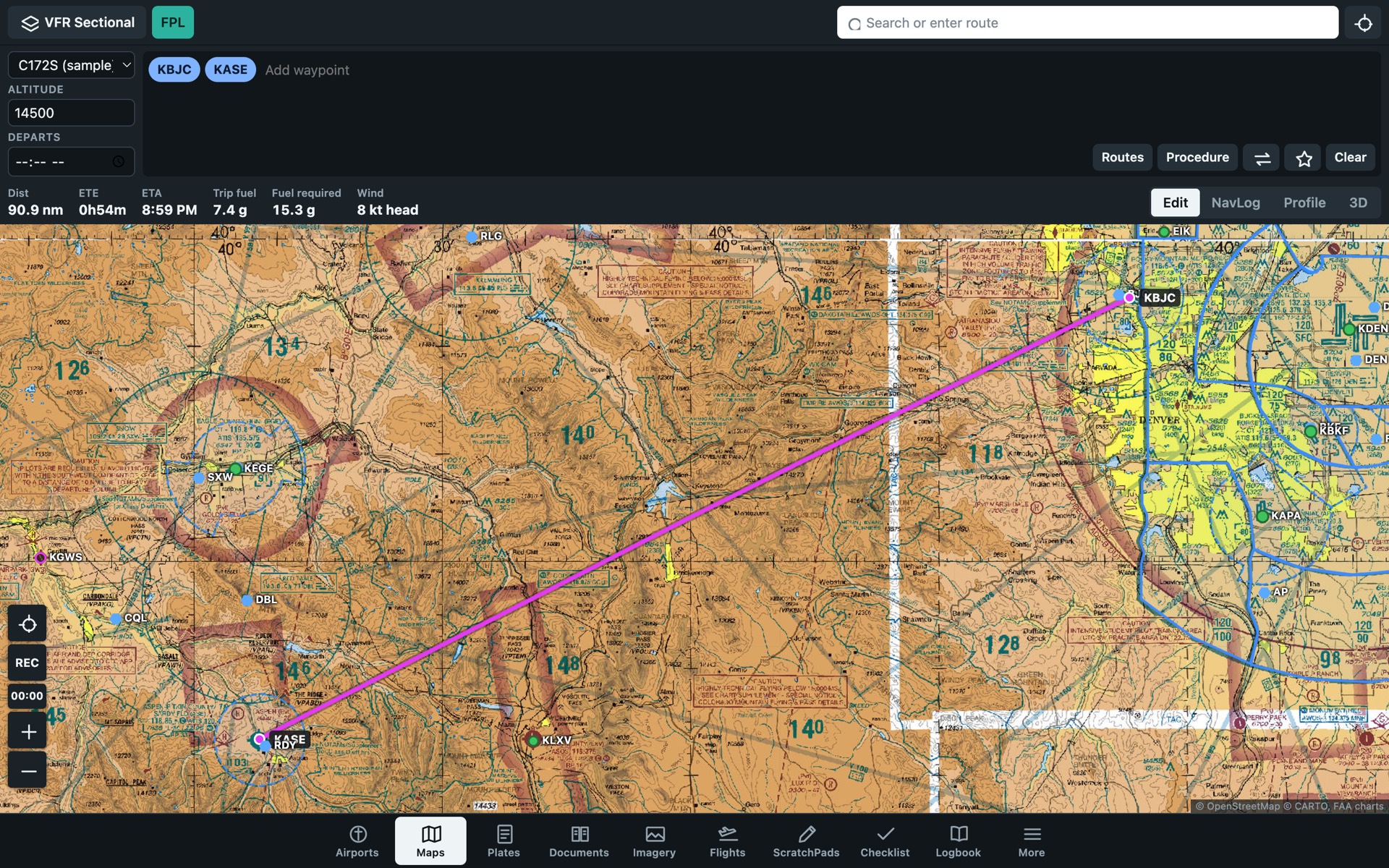
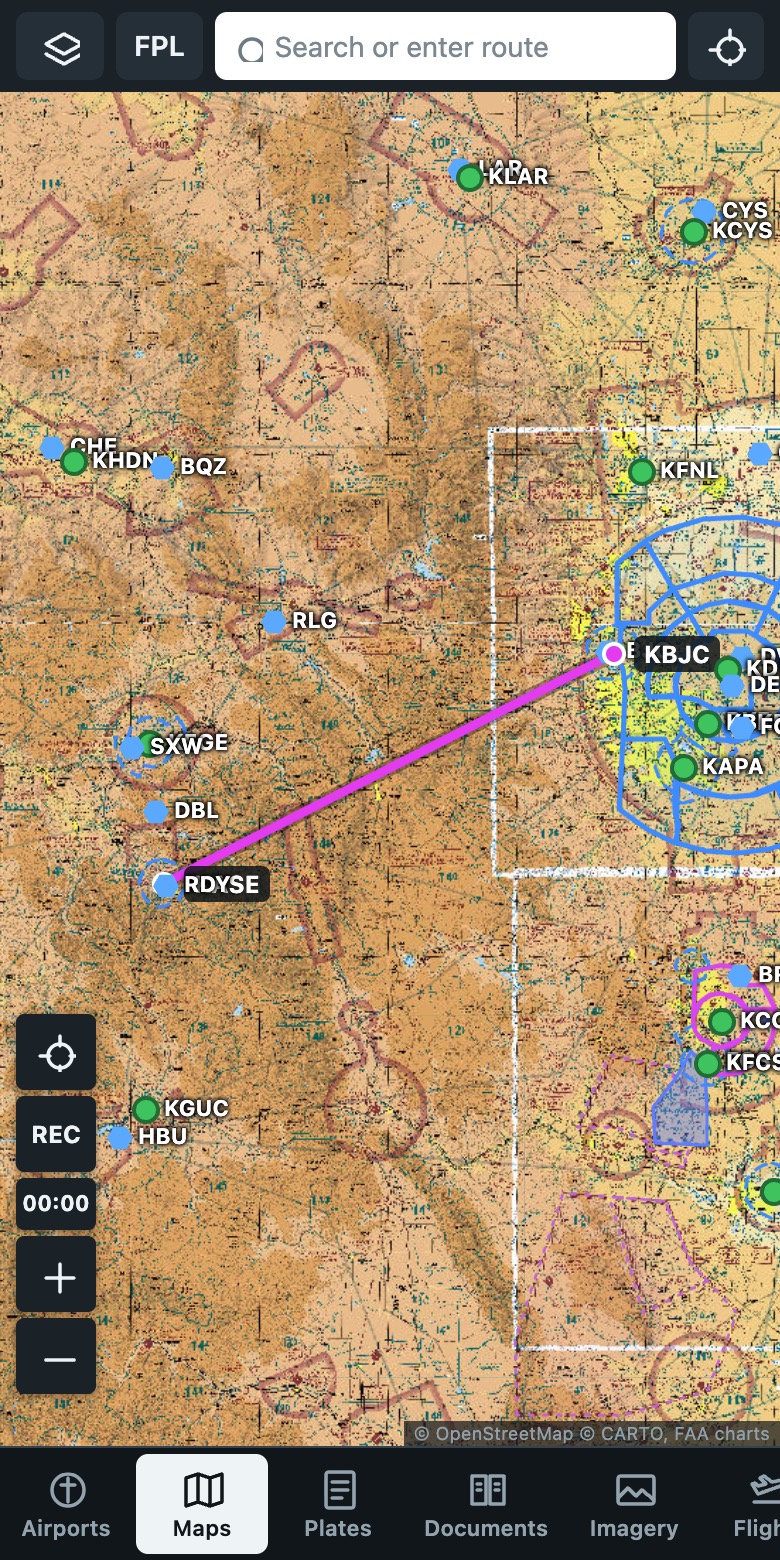
Kestrel EFB showing a route on an FAA sectional chart

In your browser

Nothing to install. Works in Safari, Chrome, Edge and Firefox on any computer, tablet or phone.

Mac

Apple silicon or Intel. macOS 12 or later.

  1. Download and open Kestrel-EFB.dmg.
  2. Drag Kestrel EFB to Applications.
  3. Open it. If macOS blocks it the first time, open System Settings, select Privacy & Security, then select Open Anyway.

Windows

64-bit Windows 10 or 11.

  1. Download Kestrel-EFB.exe.
  2. Double-click it. There is nothing to install.
  3. If SmartScreen warns about an unknown publisher, select More info, then Run anyway.

iPhone and iPad

Add it to your Home Screen from Safari.

  1. Open the app in Safari.
  2. Select Share.
  3. Select Add to Home Screen.

Android and Chromebook

Install it from Chrome.

  1. Open the app in Chrome.
  2. Open the Chrome menu.
  3. Select Install app, or Add to Home screen.

Before you install

  • The Mac and Windows apps need a connection the first time they open.
  • The app updates itself. You do not need to download it again.
  • Charts you download in the app work with no connection.
  • All releases are on GitHub.
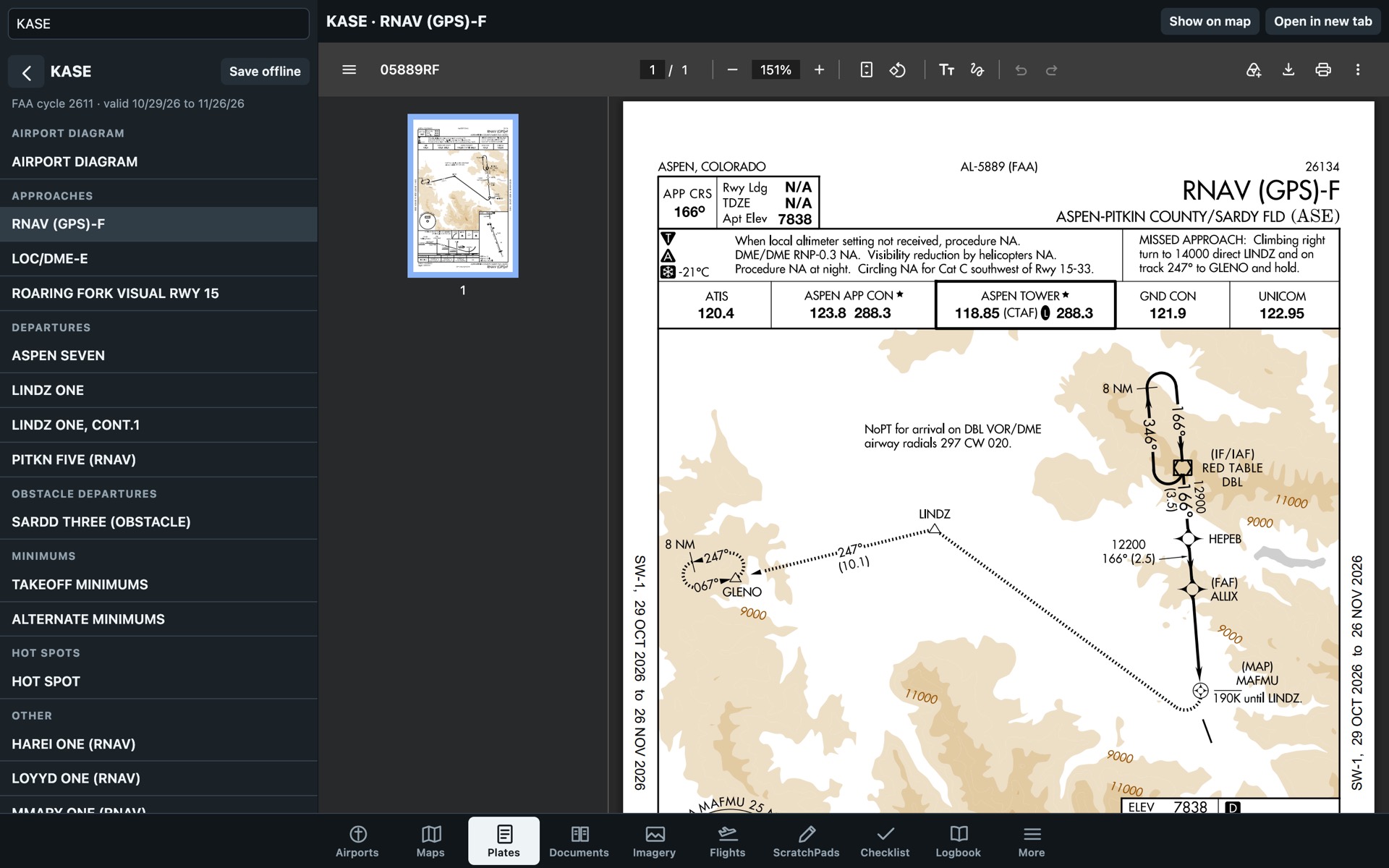
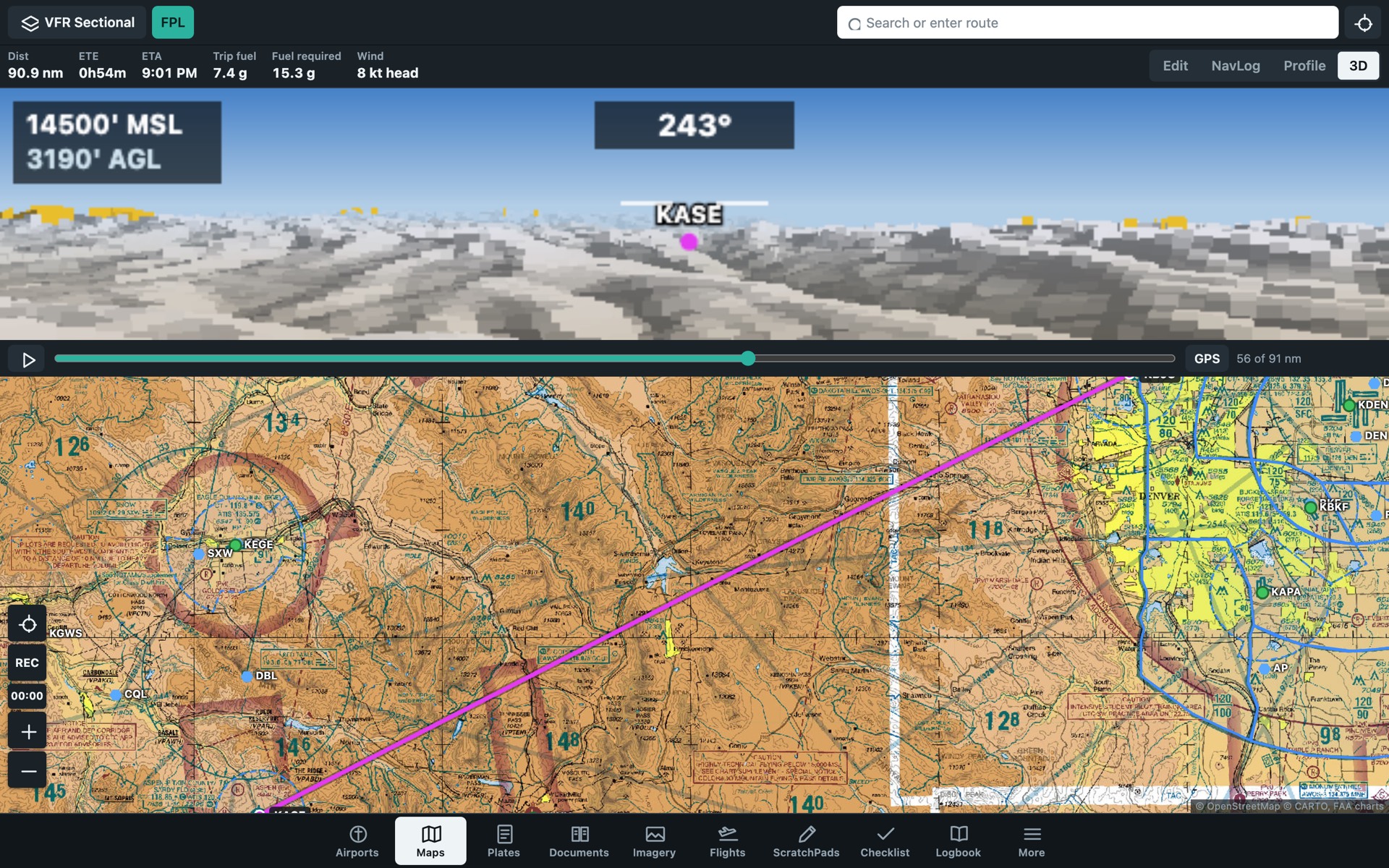
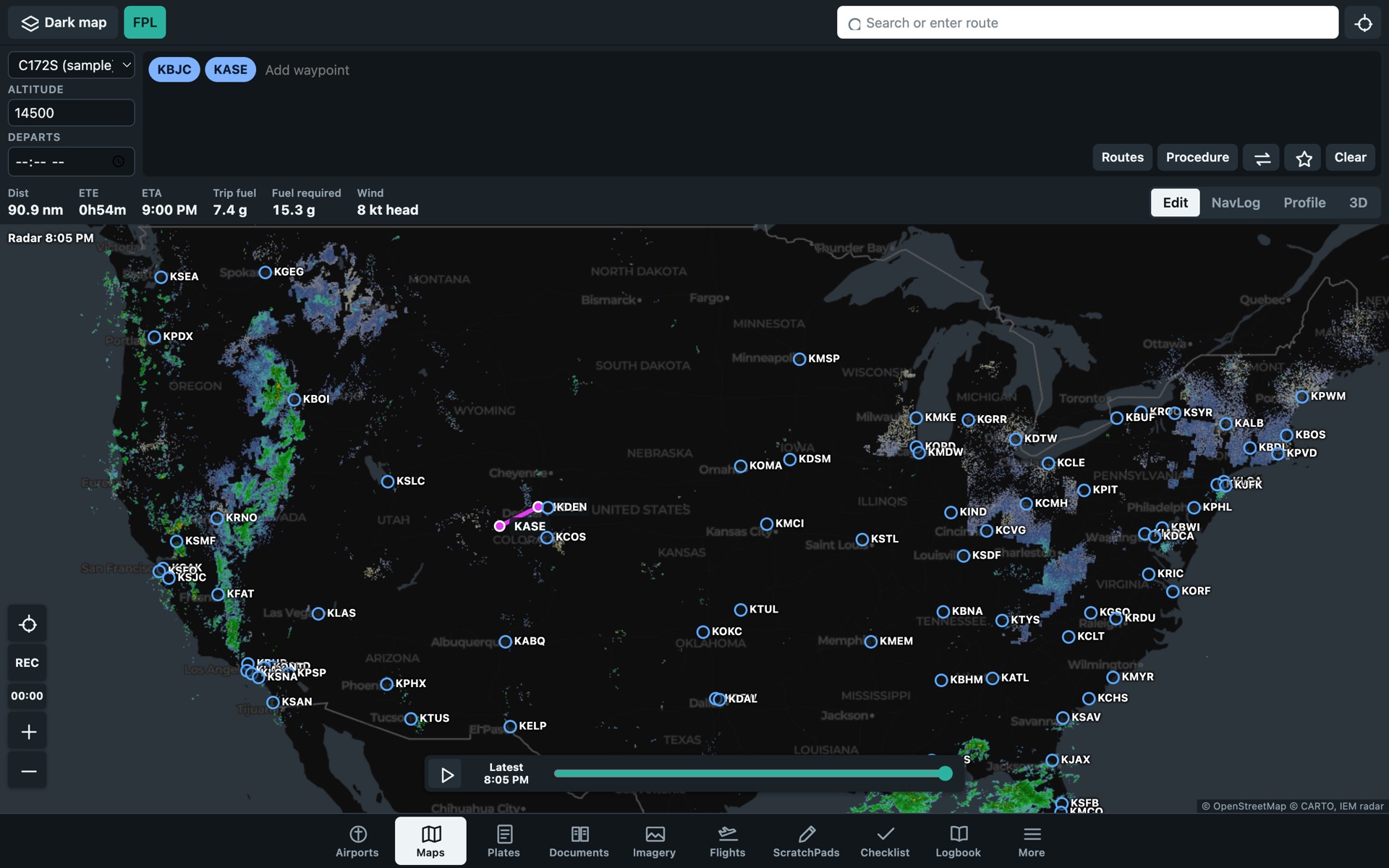
Kestrel EFB on a phone, showing a route on a sectional chart An approach plate open in Kestrel EFB 3D terrain view in Kestrel EFB Weather radar and flight categories in Kestrel EFB